
Your First Live Stream: A Practical Guide for New Creators
Prepare your setup, structure your session and create a calm first-stream experience for you and your audience.
Prepare the essentials
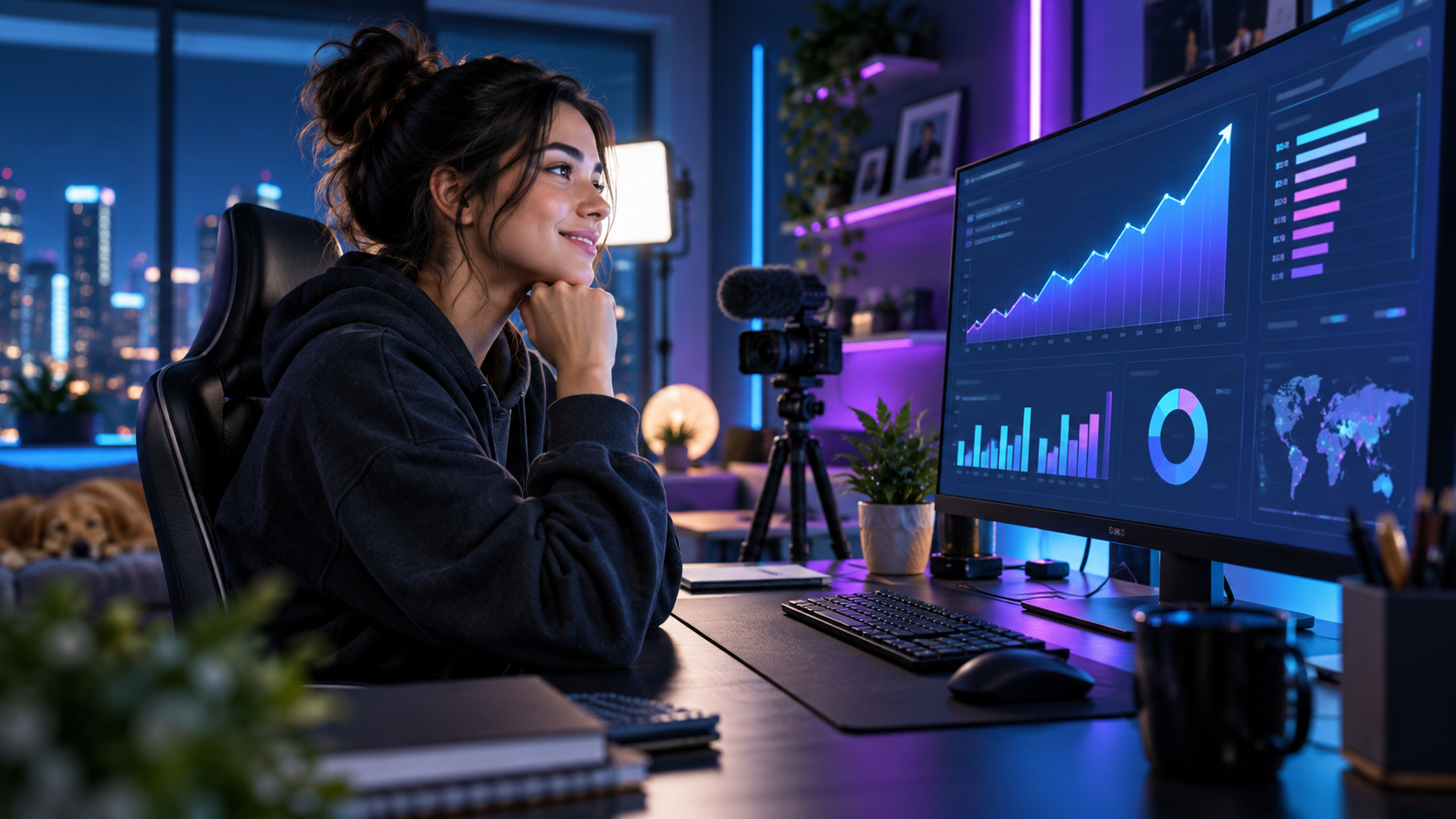
Choose a quiet location, place your camera at eye level and test audio before going live. Clear sound is usually more important than an elaborate visual setup.
- Use a stable internet connection.
- Remove private information from the frame.
- Keep water and a simple topic outline nearby.
Give the session a shape
Open with a clear introduction, explain the session topic and invite relevant questions. A simple beginning, middle and closing keeps the stream focused while still allowing spontaneous conversation.
Review without judging yourself harshly
After the session, note what felt natural, where energy dropped and which questions created useful conversation. Improve one or two things for the next stream instead of changing everything at once.